
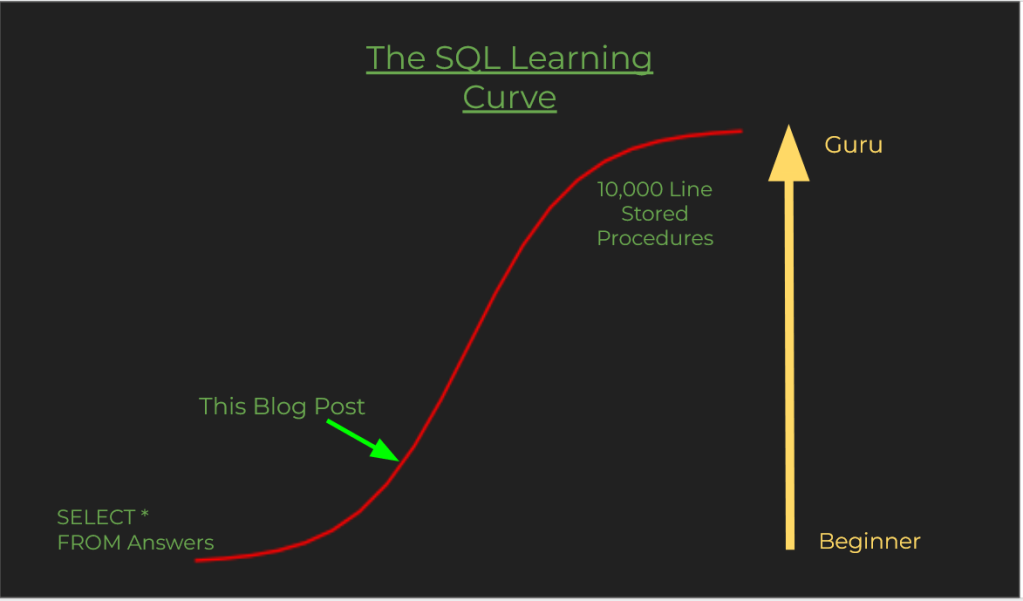
Often when people learn SQL on the job or in school the being with writing queries, doing joins and maybe some update statements. This post is for those that are trying to move to the next level. This post will touch on the concepts data modeling, data normalization, Connecting to a SQL Database with Python, and making API Calls. At the end of this you will have a SQL database that includes Zip code and Timezone data for the United States along with Timezones for every city in the world.
This is the associated Github that has the data, SQL and python code to expand your own Database.
Data Structure and Normalization
A new analyst often has to build queries and reports that are beyond the scope of what they have learned in an educational setting. Joining multiple tables, multi-step aggregations, and complex filtering. Knowing how to interpret the database structure makes this a whole lot easier.
If you’ve ran queries and had to incorporate SELECT DISTINCT, a bunch of case when statements, and 10 lines of WHERE conditions you most likely were working with a dataset that wasnt normalized. Normalization put simply is designing a database to remove duplicates through the databases structure. What that means in practice is separating out values that are redundant, ambiguous, and dependencies.
Normalization is a scale that denotes how optimized a database is to reduce duplicates and space. It generally comes at a tradeoff for query speed as queries need to incorporate many tables in pulling what seem like simple requirements. Normalization gets into Data Modeling and structure and if you can understand this process you will be able to build your own database.
Below are some common Normalization issues and what the corrective action is for them.
Redundant [1 field- 1 value]
| Name | Address |
| Alex Noonan | 123 Wood Street, San Diego CA |
Both of these Fields are showing more than one value in each cell. This is inefficient from a storage and performance perspective. Correcting is easy, just separate the individual values into their own field
| First Name | Last Name | Street | City | State |
| Alex | Noonan | 123 Wood Street | San Diego | CA |
Ambiguous [Lists] – Many to many
Individual Record Identification, consider the following tables.
| ProductID | Product |
| 1 | Banana |
| 2 | Apple |
| Customer | ProductID |
| 1 | 2 |
| 1 | 2 |
In the above two table relationship, customer 1 has two orders for Apples. How do we know which record we are going to use? Maybe this is historical data that we may want access to later.
To get around this you usually need to add a table in the middle to create a transaction log or you could add a numeric index or a natural primary key (like a timestamp).
| OrderId | Customer | ProductID |
| 1 | 1 | 2 |
| 2 | 1 | 2 |
Dependencies [Picklists]
Dependencies are pretty straightforward conceptually. Using the above example, San Diego is and always will be a city in California. Why do we need to have that information on the address record? Creating and mapping dependencies often adds a ton of tables to a data model. This reduces the amount of redundancy in the model and stores data more effectively as larger tables are composed of identity integers as opposed to the full addresses and whatnot.
| CityID | CityName | State | State Abbreviation |
| 1 | Los Angeles | California | CA |
| 2 | San Diego | California | CA |
| CityID | CityName | StateID |
| 1 | Los Angeles | 5 |
| 2 | San Diego | 5 |
| StateID | StateName | State Abbreviation |
| 5 | California | CA |
Understanding data structure at a higher level is a helpful exercise to familiarize oneself with data engineering concepts.
Functions, Stored Procedures and Repeatable Scripts
New analysts generally spend their time querying and doing some light updates. This is generally done in a single stage process within one select or update statement. Naturally, as one looks to perform more in depth analysis, report building, and data management they will have to chain SQL statements together and create functions and stored procedures to make data processes flow more smoothly. Understanding control flow and how different objects interact with each other is a good exercise and will be extremely helpful as you expand into languages like Python.
Functions
Functions take in inputs, do some stuff, and return an output. Best practice is to have a function do 1 specific task. Reasoning is it improves readability and troubleshooting. Which quickly becomes cumbersome as layers of complexity are added.
Often times when you are mapping data in SQL you will create case-when statements that are 5 or so lines long. If you intend on using this logic more than once or want to improve the readability of you code, you can easily refactor this process into a function.
Stored Procedures
Stored Procedures are specific to SQL and are extremely important to data management. They are like functions in that they can take inputs and provide outputs. They are commonly used as a means of updating data, inserting new data, ETL jobs, and backing up the database. You can schedule them to run at specific times. Generally the database admin will do these types of tasks but it is good to know how these types of things work and is an important bridge to to data engineering.
Transactions can also be used which allow multi-step procedures that occur on multiple objects. If a transaction fails midway through, any changes made will be rolled back.
Repeatable Scripts
Structuring SQL queries in a repeatable fashion isn’t entirely necessary but its good form and for the lazy amongst us we can hit refresh in SQL Server instead of having to highlight and run specific tasks.
CTEs, Temp Tables, and Window Functions
Continuing with the theme of expanding into more computer science concepts, recursion is one of those concepts which is very abstract initially but once it clicks it you’ll be able to really open up with what some of the tech can do. In order to understand recursion you need to understand recursion is the dad joke. Circular references in excel are an example of this concept in action for those that have done financial modeling.
You may find yourself querying for a result a group of records interaction with another group of the same records. Such as looking at the days between visits for customers that bought a particular product. Using Common Table Expressions, the process is as simple as defining the first query that we want to join on itself, creating a second query where the query is defined twice as alias and then finally joined on each other.
WITH Visits as
(SELECT
VisitDate,
Customer,
Product
FROM Orders
)

Select
A.VisitDate,
A.Customer,
A.Product,
DATEDIFF(d, A.VisitDate, B.VisitDate) AS DaysBetween,
B.VisitDate
FROM Visits AS A
JOIN Visits AS B
on B.Customer = A.Customer
AND B.Product = A.Product
AND B.VisitDate > A.VisitDate
Another way to do this is creating temp tables. Temp tables dramatically increase readability and are similiar to CTE’s. I prefer CTEs since you do not need to drop the tables like you do for temp tables. Training your brain to think in terms of objects and how they interact with each other is a fundamental aspect of Data Engineering.
Window Functions aid in performing calculations across rows. Lets say you need to see the running total of purchases that a customer has made in the past month.
SELECT
Customer,
Product,
SUM(Amount) OVER (PARTITION BY Customer ORDER BY VisitDate) AS RunningTotal
FROM Orders
WHERE VisitDate BETWEEN DATEADD(d,-30, GETDATE()) AND GETDATE()
Making API calls and interacting with a database with Python
Python as a general purpose programming language is quite robust. I’ve found a lot of professional alpha in using Python to automate processes and connect between different data sources and applications. In the Python file in the GitHub: the code takes a SQL query of world cities into a pandas data frame, calls an API from timezone database, and loads that data into a SQL temp table that we can then use to update the database.
Much of the modern tech ecosystem involves APIs , being able to read the documentation for an application and figure out how to interact with it is an low effort way to greatly increase your capabilities.
As you will find with Python, there is nearly a package for everything. so you can import a package that does all the heavy lifting for many common use cases like structured data manipulation (pandas), Machine Learning (scikit-learn), interacting with a database (pyodbc). This abstracting, allows you to stand on the shoulders of giants and just focus on the scope of your project.
Summary
Understanding control structures, Data Modeling, and complex queries, will help will help you bridge the skill gap between writing basic queries and the advanced procedures that most production databases rely on.
Avoiding the “Some people don’t have 20 years experience. They have 1 year experience 20 times.” From here you can jump to automating data ingestion and analysis processes with relative ease as now you know some of the nomenclature and more importantly what to type into google.
I did not go through a step by step on how I did the code for the expansion of the location database. Piecing together dirty data and modeling it into your existing data source is something that I did as a Data Analyst. Going through this exercise may be helpful if you are new to Analytics. Being able to work through a problem without clear explanation is just show-business baby!


One response to “Taking your SQL to the Next Level”
[…] spend some of my time optimizing queries and building automating reporting process. I learned more about how SQL databases work: that having a ton of joins slows queries down, why normalization exists for transaction databases, […]
LikeLike